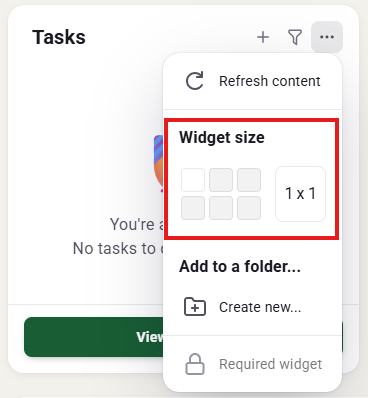
Resizing Widgets
You can resize all the widgets located on your dashboard and it is simple to do.
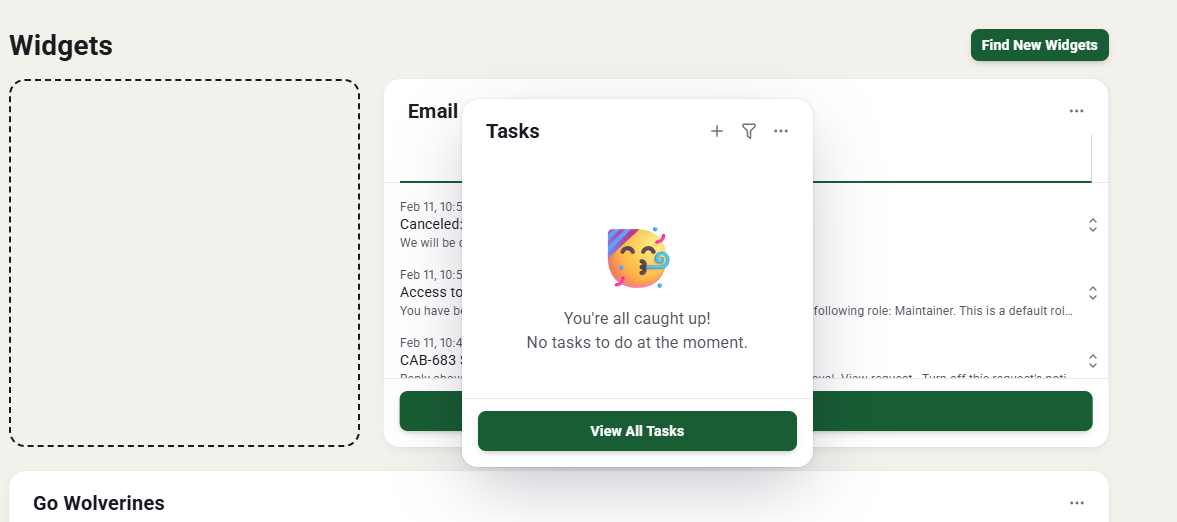
Rearranging Widgets
One feature that you can customize is where each widget is on the dashboard.
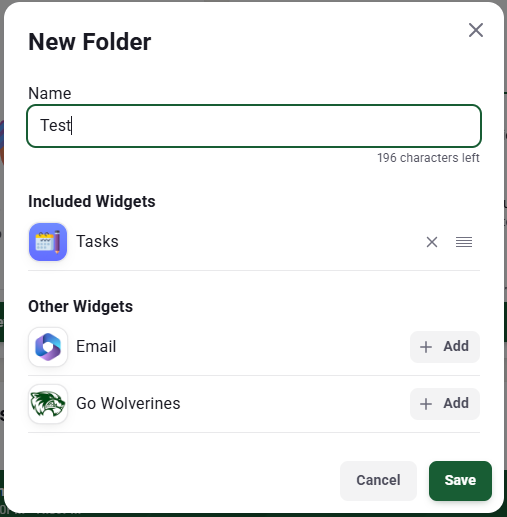
Creating Folders/Organizing Widgets
Just like on your phone we can place widgets into folders to customize your dashboard even further.
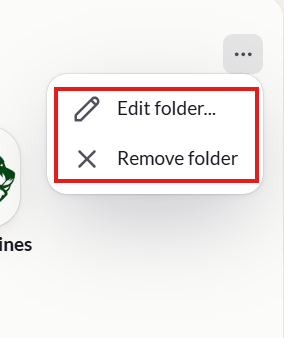
If you ever decide to remove the or rename the folder
Light and Dark Modes
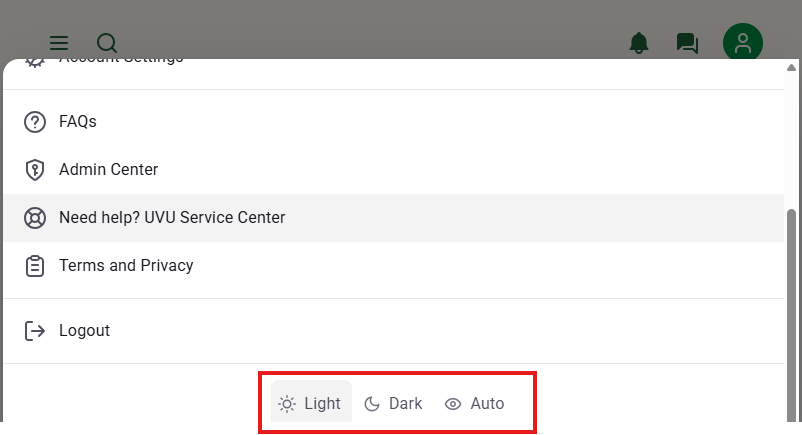
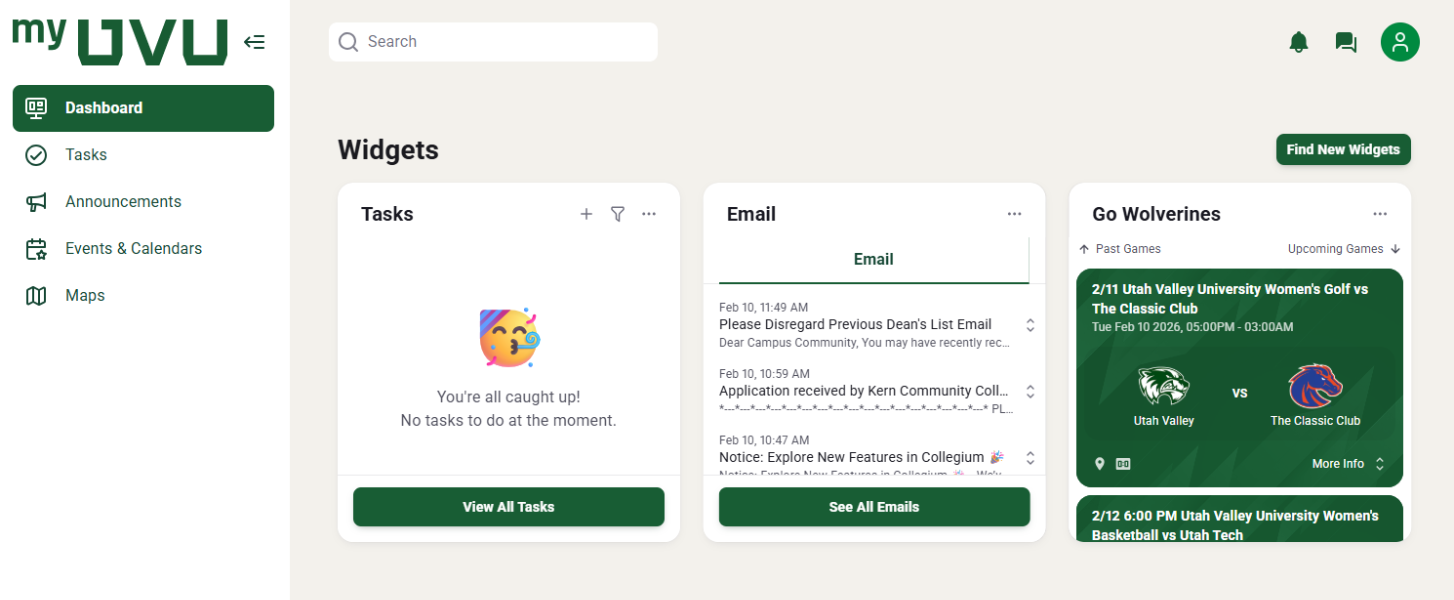
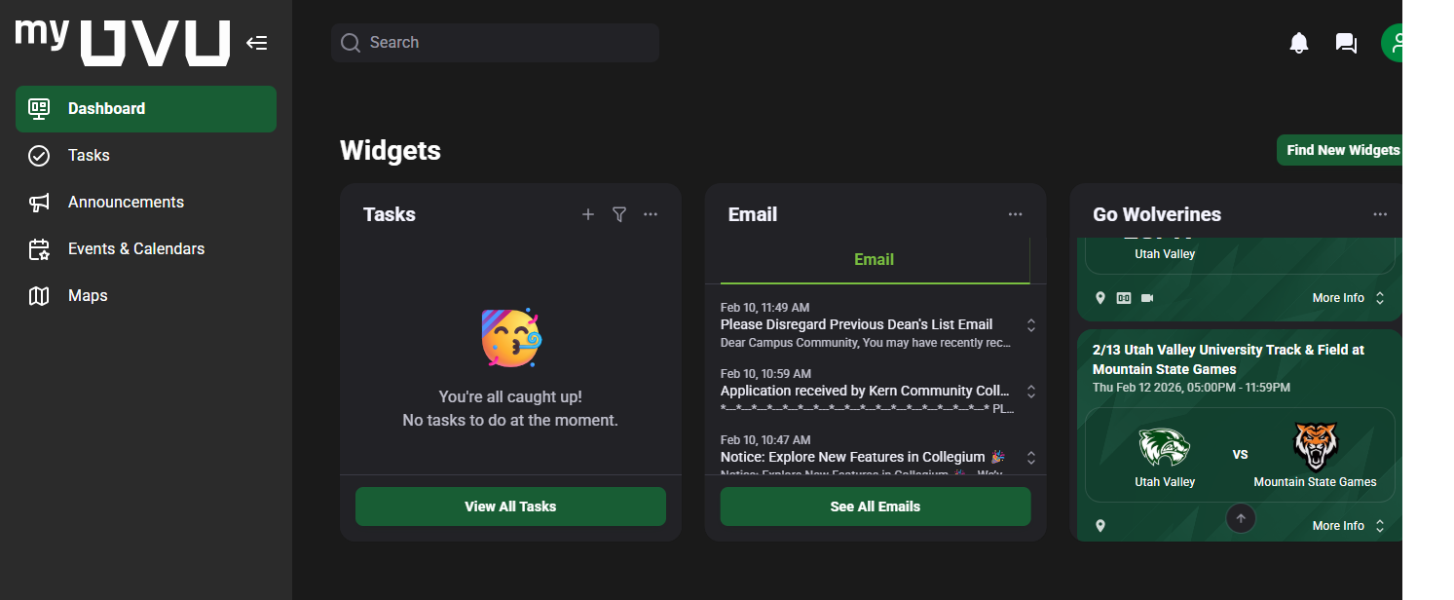
Light or dark mode can be selected by clicking on the profile photo on the top right of the screen. Light and dark modes are both curated to be legible and offer high contrast no matter what you choose. Switching between these modes have never been easier.
Navigation
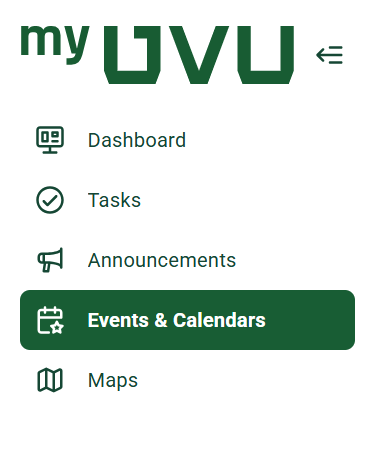
Currently students have access to myUVU and the mobile app. Since the new mobile app and myUVU are connected and will soon just be myUVU not two separate entities there is some navigation that will go along with that.
In desktop and tablet views the navigation will be located on the left-hand side, this navigation is collapsible. In the mobile app there will be a a "hamburger" menu in the top left corner. Both in the mobile and other views there is also a search functionality.