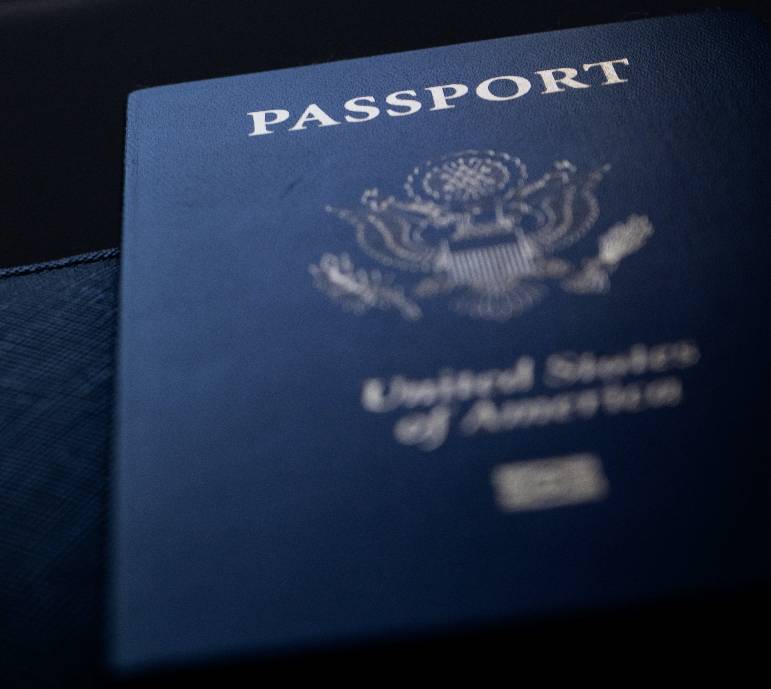
passport booklet


Verify your Identity

You must submit identification via the photo submission portal. If you do not have a valid US driver's license, state ID, passport, or US military ID, then please submit your photo and bring other accepted identification to Campus Connection, SC106f.

Required for format for online submission:

  • These documents must be submitted in PDF, JPEG, or PNG formats

Please carefully read the Acceptable Forms of ID found below to know exactly what documentation you must provide for your circumstances

Acceptable Forms of ID

Option A: Valid U.S. Government Photo ID

  • US Driver's License
  • US State Identification Card
  • Passport containing a US Visa
  • US Military ID

These options must be current. If they are expired then please see Option B for your verification documents.

Option B: 1 Photo ID + 2 Alternate Forms

(1) Photo ID

  • Expired US Government ID
  • Photo Identification from another Country
  • Non-resident Alien Registration Card
  • Police Pistol Permit with Photo on it
  • High School Yearbook (Middle School is accepted for UCAS/Concurrent Enrollment students)
  • High School ID Card
  • Club card with photo on it
  • Credit card with photo on it

(2) Other forms of Identification with your name

  • Birth Certificate
  • Social Security Card
  • Parent's driver's license (Only if Birth Certificate is also provided)
  • Billing statements
  • Bank statements
  • Church records
  • Indian blood certificate
  • Court of Record documents
  • Item of mail with name and address typed on it
  • Credit or Debit Card
  • Current Class Schedule

Option C: 4 Alternate Forms

  • Birth Certificate
  • Social Security Card
  • Parent's driver's license (Only if Birth Certificate is also provided)
  • Billing statements
  • Bank statements
  • Church records
  • Indian blood certificate
  • Court of Record documents
  • Item of mail with name and address typed on it
  • Credit or Debit Card
  • Current Class Schedule

FAQ and Concerns

Will I be risking my personal information doing this?

Microsoft Teams is HIPAA and FERPA certified.

What does that mean?

In the simplest terms, these are both regulations that help to secure all personal information that you share with UVU in general, or with UVU Medical Services.

Learn More About HIPAALearn More About FERPA

Do I have to have Teams to have my photo verified?

Having Teams on your Desktop or Phone is not a requirement for this verification. All you have to do is select the Join on the web option when starting your meeting.

Can I use a different email, and not my UVU one?

Unfortunately not. Because of the high security standards required for this interaction, only the UVU provided email address is accepted.

What if the time I first picked doesn't work for me?

From the email that was sent with your meeting time you may select More options, then Propose a new time, if something has come up and you are unable to meet at this scheduled time.

What if I don't have a microphone or camera on my computer?

If you are unable to participate in this process on a computer, you can also use your phone for these meetings. If neither of these options will be available to you, please let us know in your email.

What if I'm not registered for classes?

Unfortunately if you are not registered for any classes you will not be able to get an ID card. We can help you through the ID Card process as soon as you are registered for at least one credit, or during your new student Jumpstart orientation.

student fees badge